
How to Trade in Adopt Me (2026 Guide)
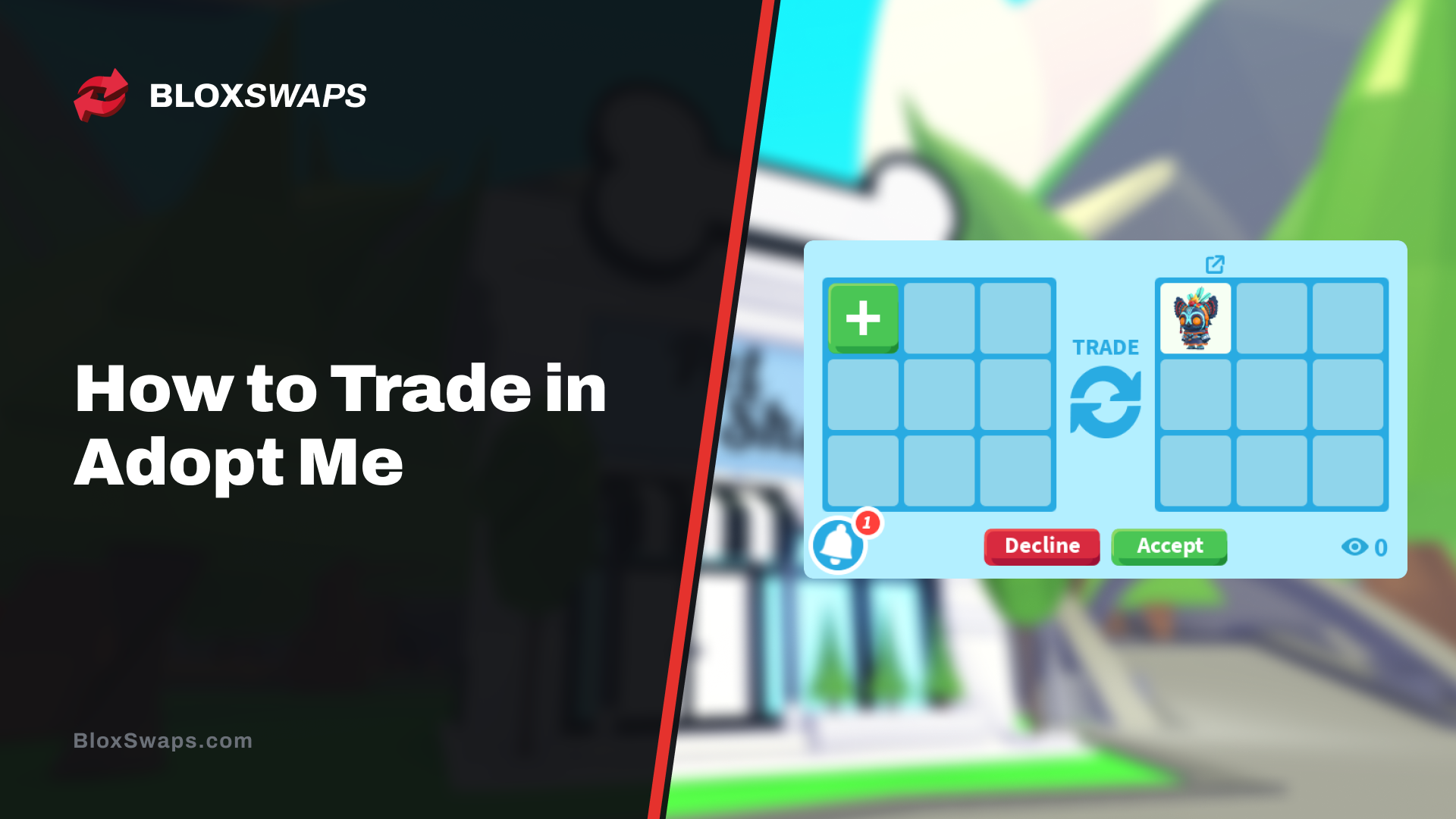
Trading has been part of Adopt Me since the early days of the game, long before pets got their own rarity tiers or Neon forms. Players used to trade up to four items at a time until Dreamcraft, the original studio name behind the game before it rebranded to Uplift Games, rolled out a major overhaul in November 2020.
That update introduced the Trading License, which gates ultra-rare and legendary items behind a short test, along with a trade history log, scam reporting, and a separate fairness check that flags lopsided trades before they go through. By May 2023, the number of trading slots had grown to eighteen, making trading far more flexible than it used to be.
In this article, we'll explore what you need before you can trade in Adopt Me, how to open and complete a trade, how to judge whether an offer is fair, and the common scams to watch out for along the way.
Trading Requirements
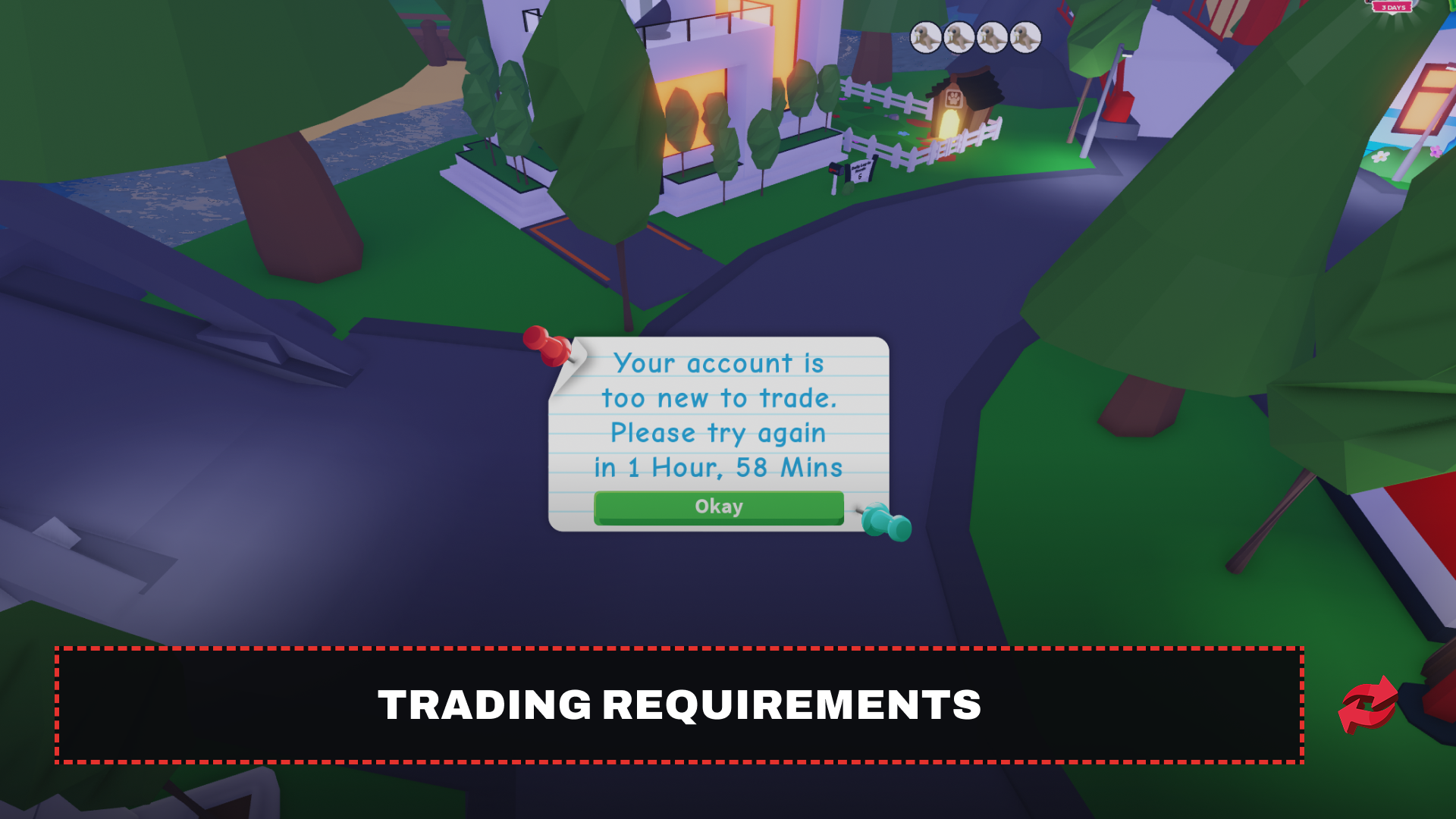
Before you can trade in Adopt Me, you need an active Roblox account with the game itself, and you need to be in the same server as the person you're trading with. Adopt Me also restricts trading on accounts that are brand new. If you just made your account, don't be surprised if you get an "account too new to trade" message. This is a built-in measure to stop scammers from spinning up throwaway accounts, and it clears up on its own after your account has been active for a while.
Beyond that, there's the item side of things. Common and uncommon pets and items can be traded freely from the start, but ultra-rare and legendary items are locked behind a Trading License. You get one by passing a short test at the Safety Hub on Adoption Island, where you're shown a few trade scenarios and asked to spot the scam. Once you pass, every rarity tier opens up for trading. You can read our complete guide on getting a Trading License for the full walkthrough.
How to Trade in Adopt Me
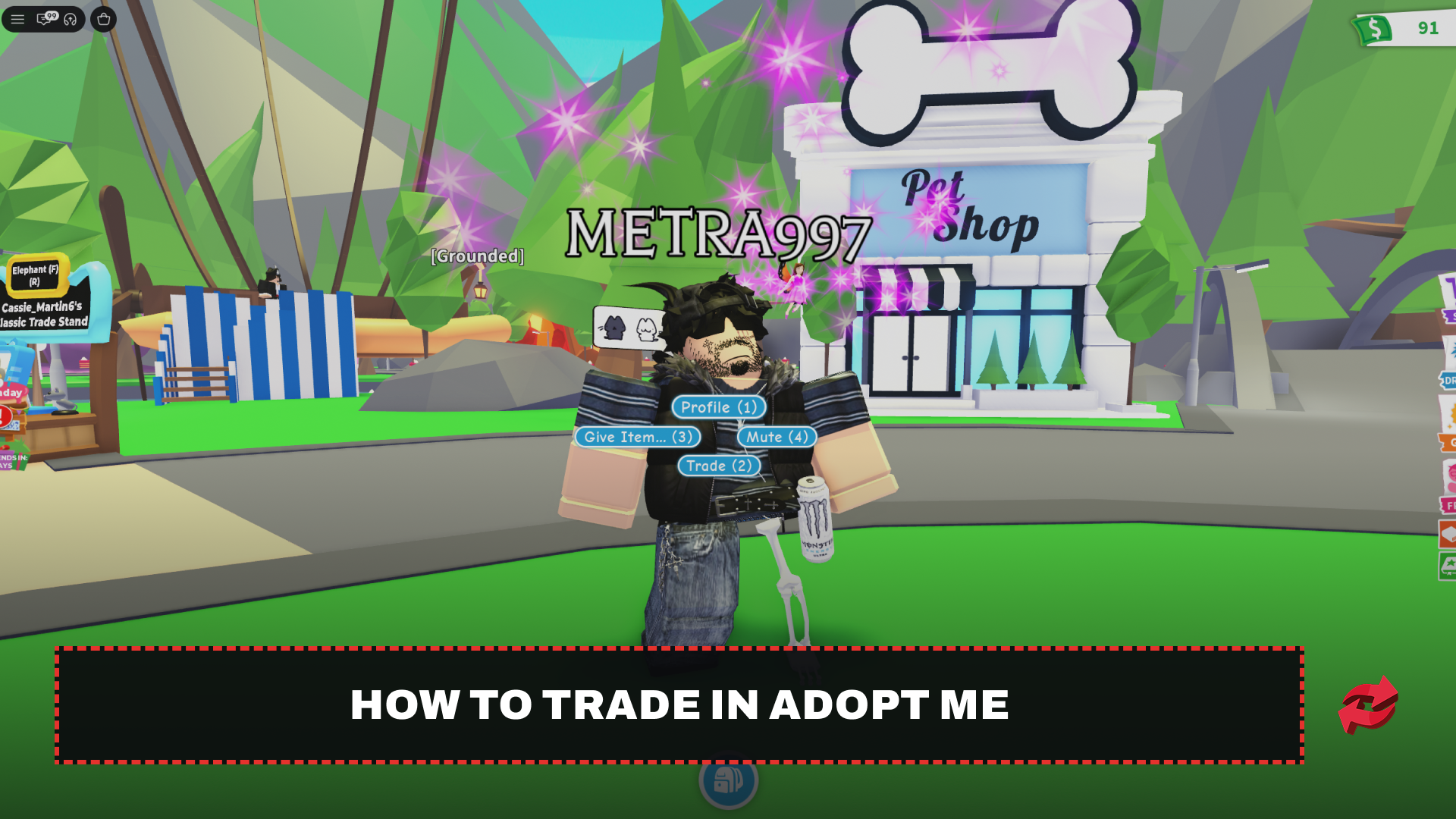
Once you meet the requirements, starting a trade is simple. Head to a player, either in a public server or a private trading server, and open the interaction menu on them.
Click on the player you want to trade with, or press E if you're on keyboard.
Select "Trade" from the menu that pops up.
Add the items you're offering on your side.
Wait for the other player to add their items on their end.
Once both sides look right, click "Accept."
After both players hit accept, the trade doesn't go through right away. There's a short cooldown before a second "Accept" button appears, and both of you need to press it again to finalize the trade. If either player changes their items during that window, the confirmation resets, and you'll need to accept again. This exists to stop last-second swaps where someone switches an item right before the trade locks in.
How to Tell If a Trade Is Fair
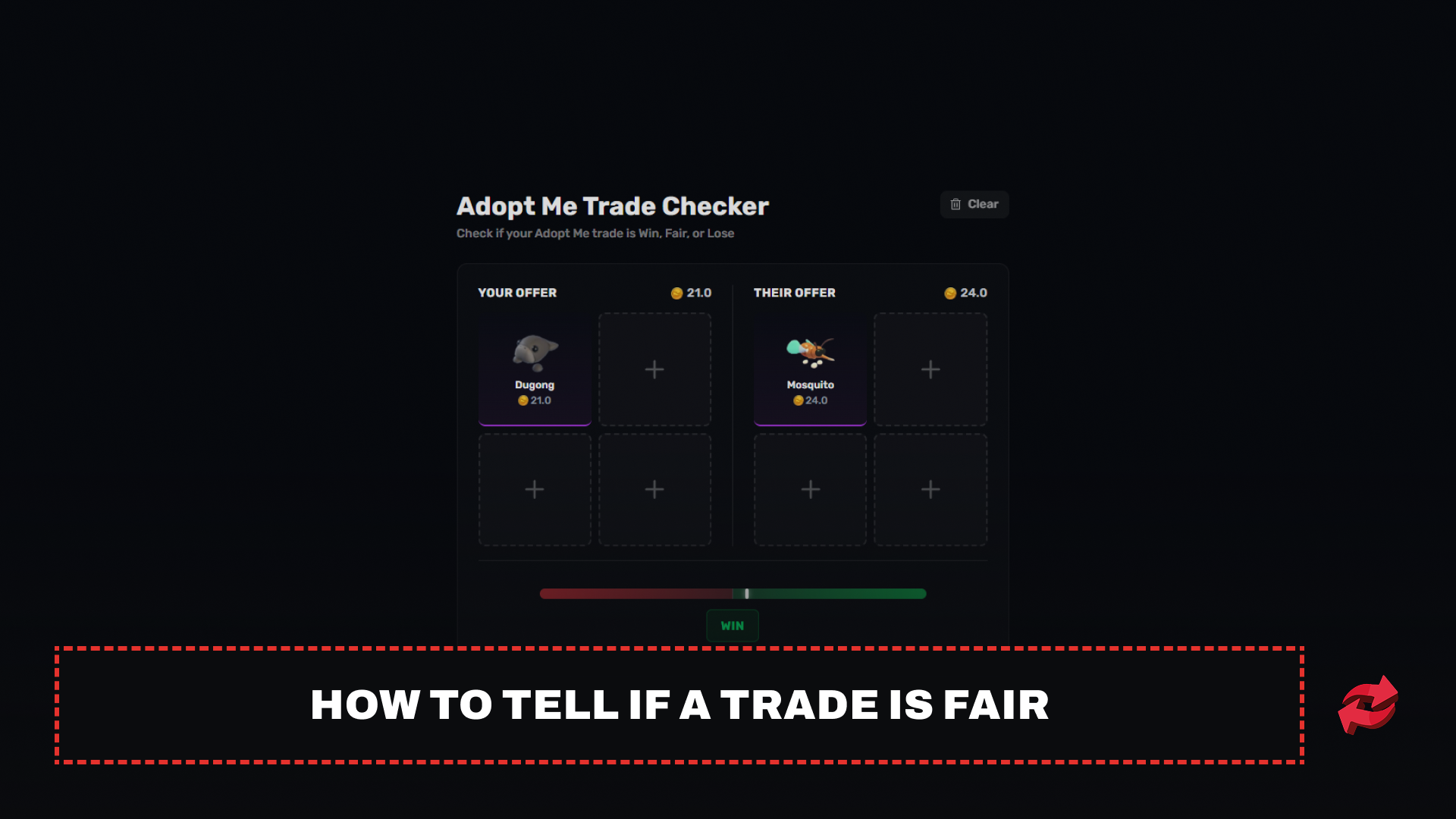
Adopt Me doesn't have an official value list built into the game, so figuring out whether a trade is worth it comes down to community-driven value sites. These track real trades and rate items based on rarity, demand, and how often they actually get traded, then boil it down to a simple system: Win, Fair, or Lose.
A Fair trade means both sides are giving up roughly equal value. Win means you're coming out ahead, and Lose means the other side is getting the better deal. Getting a Fair trade isn't always the goal though. Landing a pet you actually want at Fair value beats sitting on pets you don't care about while waiting for a Win that might never come.
A few things shift value beyond straight rarity. Neon and Mega Neon versions of a pet trade for far more than the regular form. Age matters too, since a full-grown pet is worth more than a Newborn of the same type. Retired or event-exclusive pets tend to climb in value over time as they become harder to get, and demand can push a pet's price up or down independently of all of that. Before accepting anything, it's worth cross-checking a couple of value sources rather than relying on just one, since numbers can vary between them.
Common Adopt Me Trading Scams to Avoid
Scammers target Adopt Me trading constantly, and most of the tricks they use follow the same handful of patterns. Knowing what to look for cuts down your risk significantly.
The most common one is the trust trade, where someone asks you to hand over your item first and promises to trade back after. There's no reason to ever agree to this. If the deal is legitimate, it can go through the normal trade system where both sides confirm at the same time.
Another pattern involves switching items right before the final confirmation. Someone might show you a Neon pet, then swap it out for a regular version in the last second before you accept. This is exactly why the game has that second confirmation step. Always double-check what's actually in the trade window right before you hit accept the second time, not just what was shown earlier.
Fake giveaways and Robux-for-pet offers are also common outside the game, usually in Discord servers or through direct messages. Adopt Me items can't be exchanged for Robux, so anyone offering that is looking to scam you. Sticking to trades within the game itself and reporting anyone who tries to pull you off-platform keeps your account and your pets a lot safer.
Final Words
Trading is where Adopt Me really comes alive once you get past the basics. Meet the requirements, learn how the trade window and confirmation steps work, and get comfortable checking values before you commit to anything. Scams are common, but they almost always follow the same few patterns, so staying alert to trust trades and last-second swaps goes a long way. Take your time with every trade, and you'll build a collection you're actually happy with.
Frequently Asked Questions
Game in this Article
Adopt Me
Adopt Me is a Roblox pet simulation game where players hatch eggs, raise pets through growth stages, and build customizable houses. Pets can be upgraded to Neon and Mega Neon versions and hold real trading value. The game also features seasonal events with limited-time pets and items.

Written by
Mustafa is the SEO Manager at BloxSwaps and a digital marketing specialist with a focus on gaming platforms. He covers trading guides, game updates, and platform content, helping players navigate the tools and systems they use every day.