
How to Get & Use Trade Stands in Adopt Me
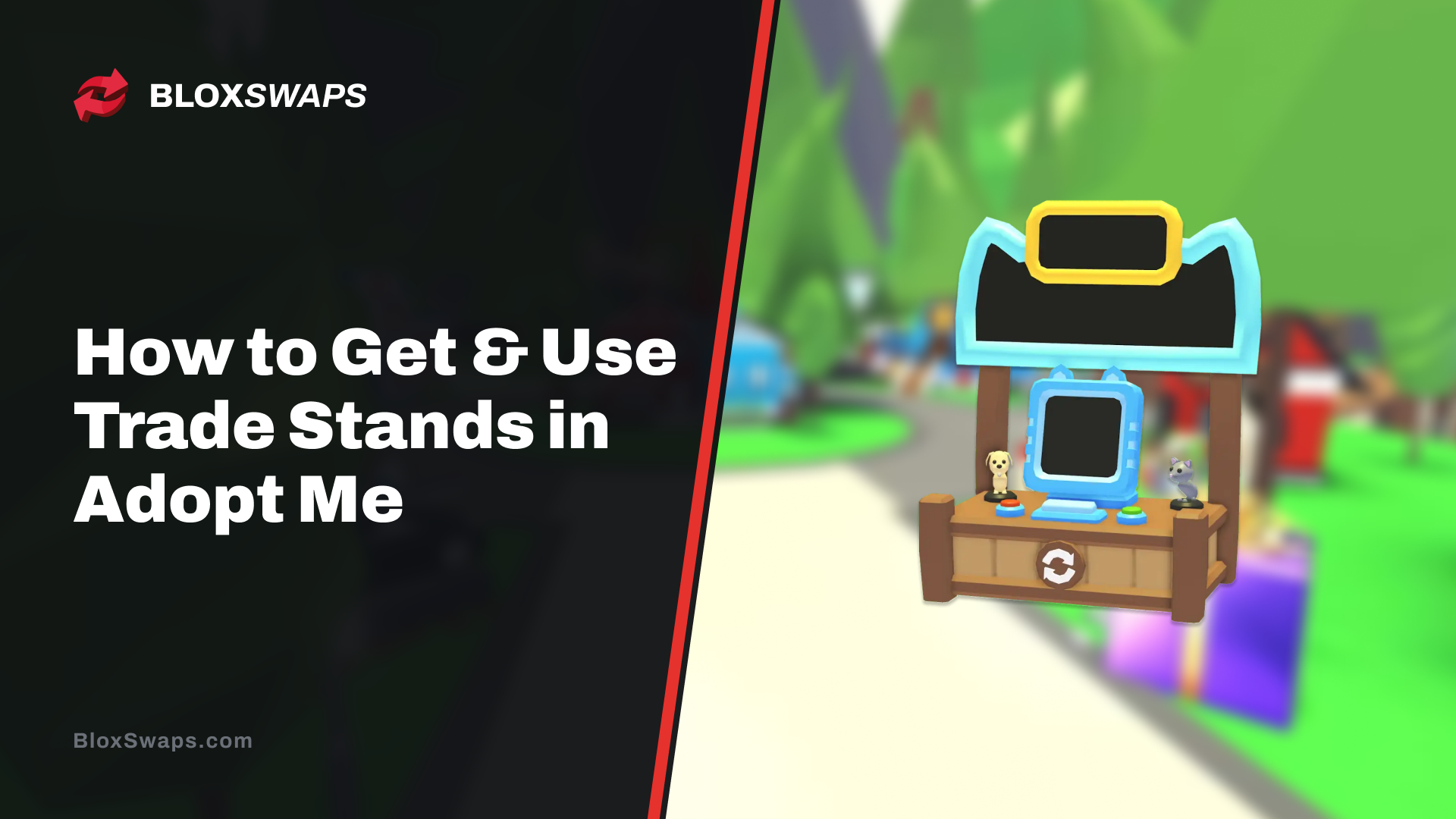
Trading in Adopt Me usually means standing in one spot and waiting for someone to walk up and send you a request. The Classic Trade Stand changes that. Once you place it, other players can send trade requests to you no matter where you are on the map, so you can keep playing instead of standing around waiting.
The Trade Stand is an ultra-rare toy that costs 95 Robux in the shop, though you can also get one through trading if you'd rather not spend Robux. It's been part of the game since March 2024 and has become one of the more practical items for anyone who trades often.
In this article, we'll explore how to get a Trade Stand in Adopt Me, covering the Robux and trading routes, along with how to set it up once you have one.
How to Get a Trade Stand in Adopt Me
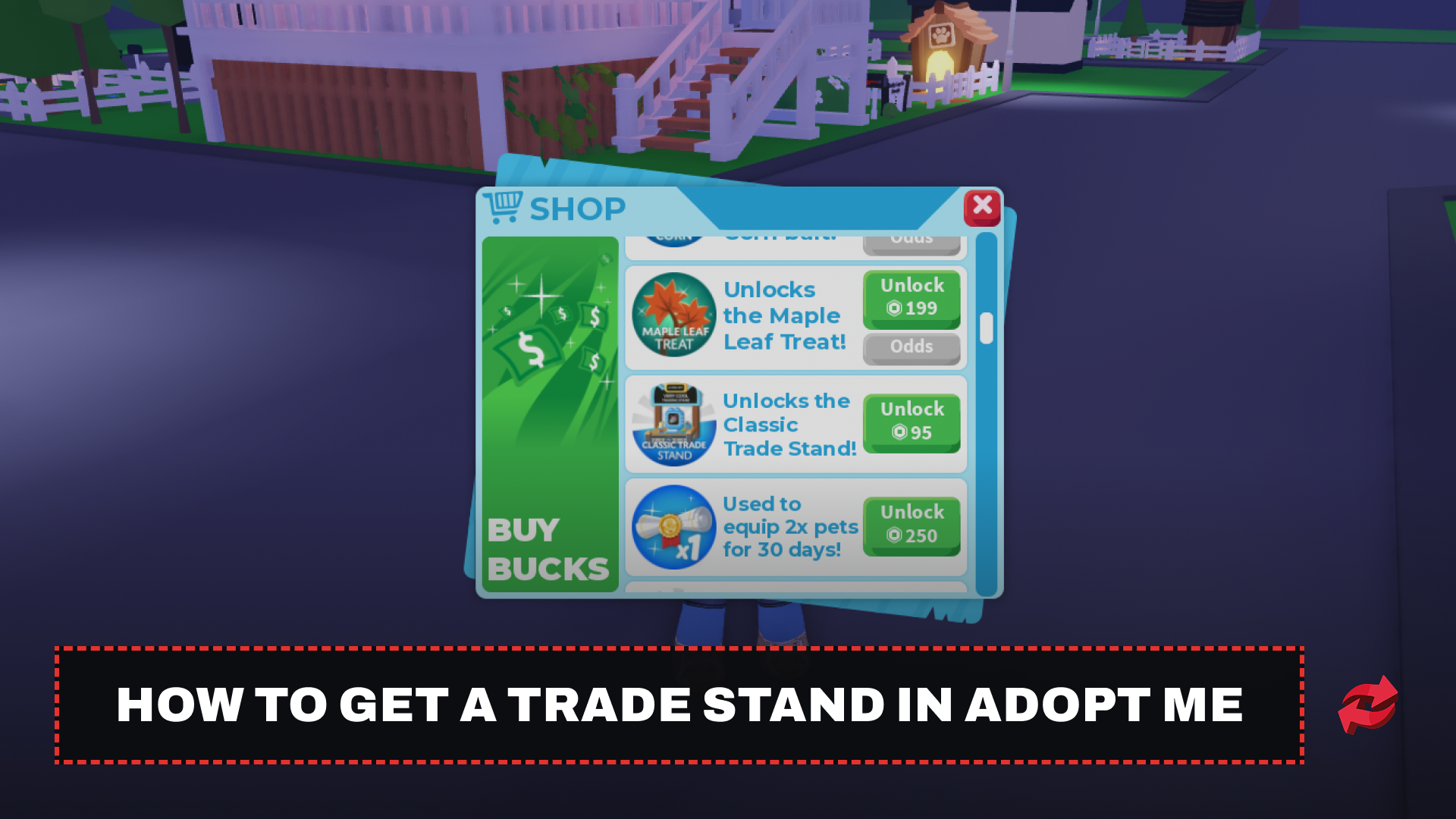
The easiest way to get a Trade Stand is to buy it directly from the shop.
Open the Shop from the icon on the right side of the screen.
Scroll down until you find "Unlocks the Classic Trade Stand."
Purchase it for 95 Robux.
Once bought, the Trade Stand appears in your toy inventory and can be equipped like any other toy. If you'd rather not spend Robux, trading is the other option. The Trade Stand itself is tradeable, so you can offer another player something they want in exchange for one. Some players even use their own Trade Stand to sell extra ones, since it isn't an expensive item by trading standards.
How to Use the Trade Stand
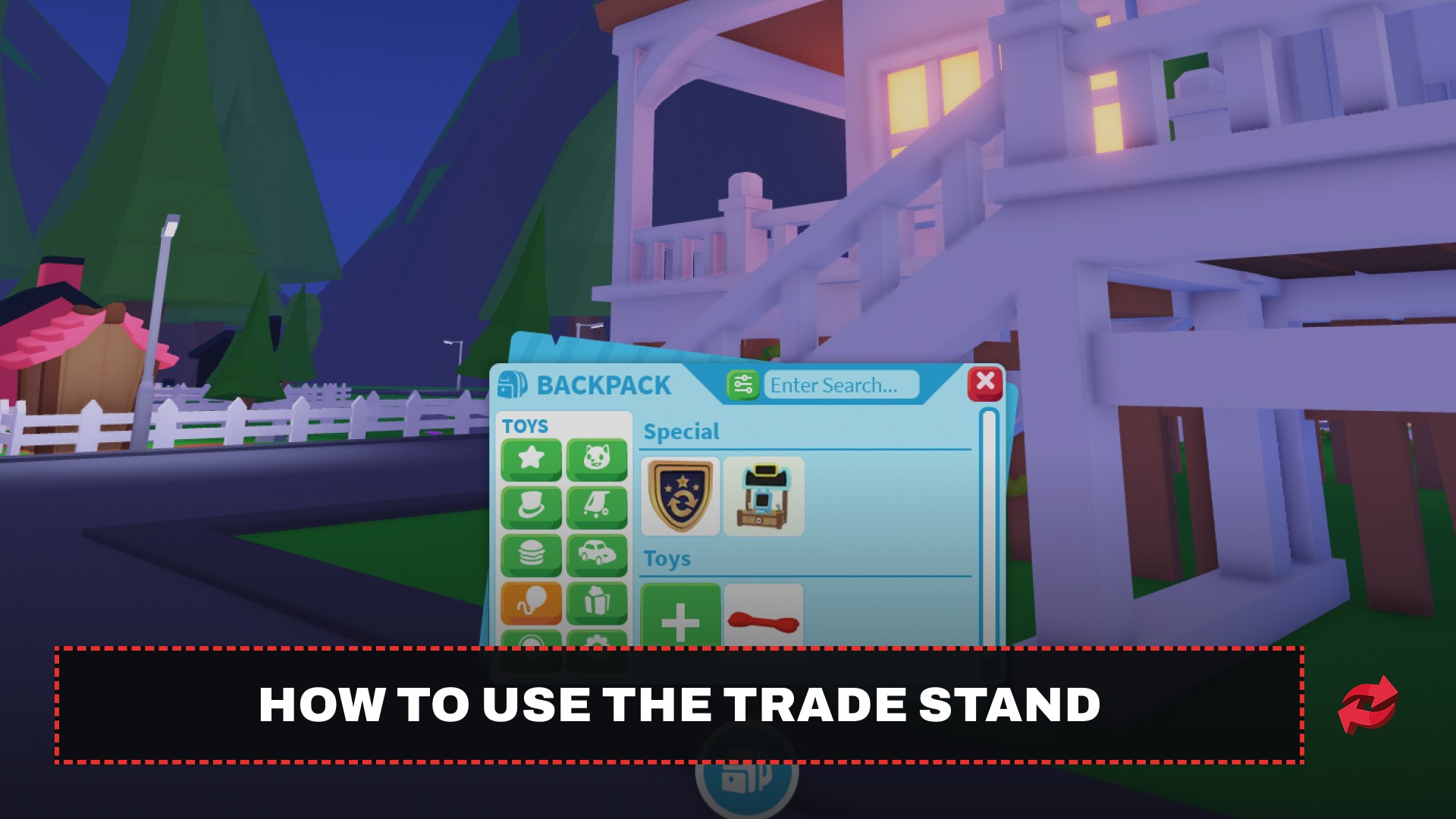
Once you own a Trade Stand, using it is simple.
Open your inventory and equip the Trade Stand from your toys.
Place it anywhere on the map, a busy spot like Adoption Island works well if you want more visibility.
Select the item you want to display for trade.
After it's placed, you can walk away and keep playing normally. Any player who approaches the stand and sends a trade request will trigger a pop-up on your screen, and you can accept or decline it from there. This works no matter where you are on the map, so you don't need to stay near the stand at all. If you want to trade something else, just walk back and swap out the displayed item.
If you want to play without getting interrupted, you can take the Trade Stand down at any time. Just open your toys again and unequip it, and it disappears along with any pending trade popups.
Final Words
Getting a Trade Stand in Adopt Me comes down to two options, buy it for 95 Robux or trade for one if you'd rather save your Robux. Once it's placed, you're free to keep playing while trade requests come to you instead of standing around waiting.
Frequently Asked Questions
Game in this Article
Adopt Me
Adopt Me is a Roblox pet simulation game where players hatch eggs, raise pets through growth stages, and build customizable houses. Pets can be upgraded to Neon and Mega Neon versions and hold real trading value. The game also features seasonal events with limited-time pets and items.

Written by
Mustafa is the SEO Manager at BloxSwaps and a digital marketing specialist with a focus on gaming platforms. He covers trading guides, game updates, and platform content, helping players navigate the tools and systems they use every day.