

How to Trade on Roblox (2026)

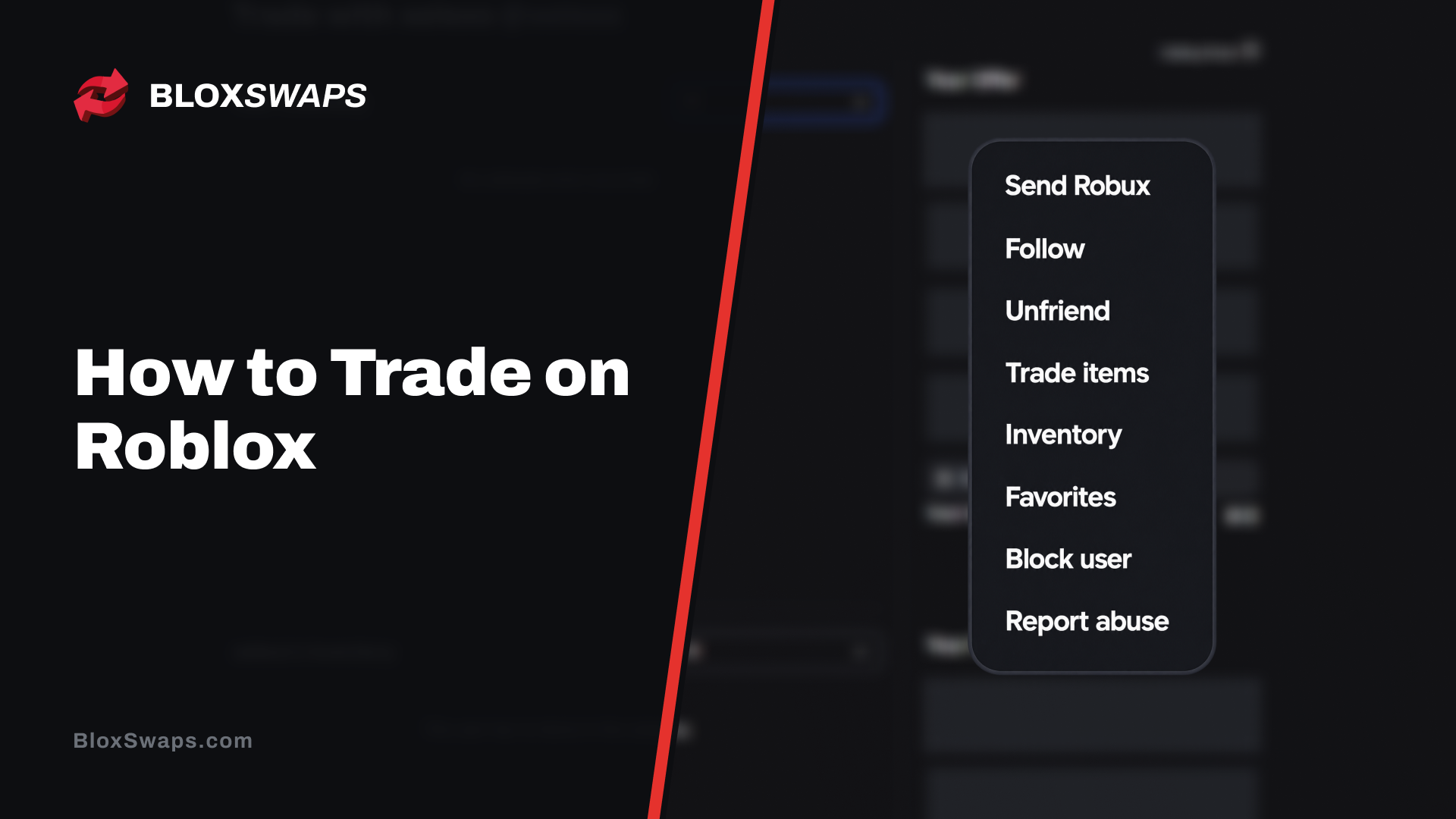
Trading is one of the oldest features on Roblox. Players exchange Limited items directly with each other through a trade window built into every profile, and it's part of why items like Dominus hats and other classic Limiteds hold onto real value years after release, since a fixed supply means the only way to get one is from another player.
Not every item qualifies for trading, and it isn't available to every account by default. There's a short list of requirements to meet before the trade option even shows up on someone's profile.
In this article, we'll explore how trading works on Roblox, what your account needs before you can trade, and how item values factor into a fair deal.
What You Need to Trade on Roblox
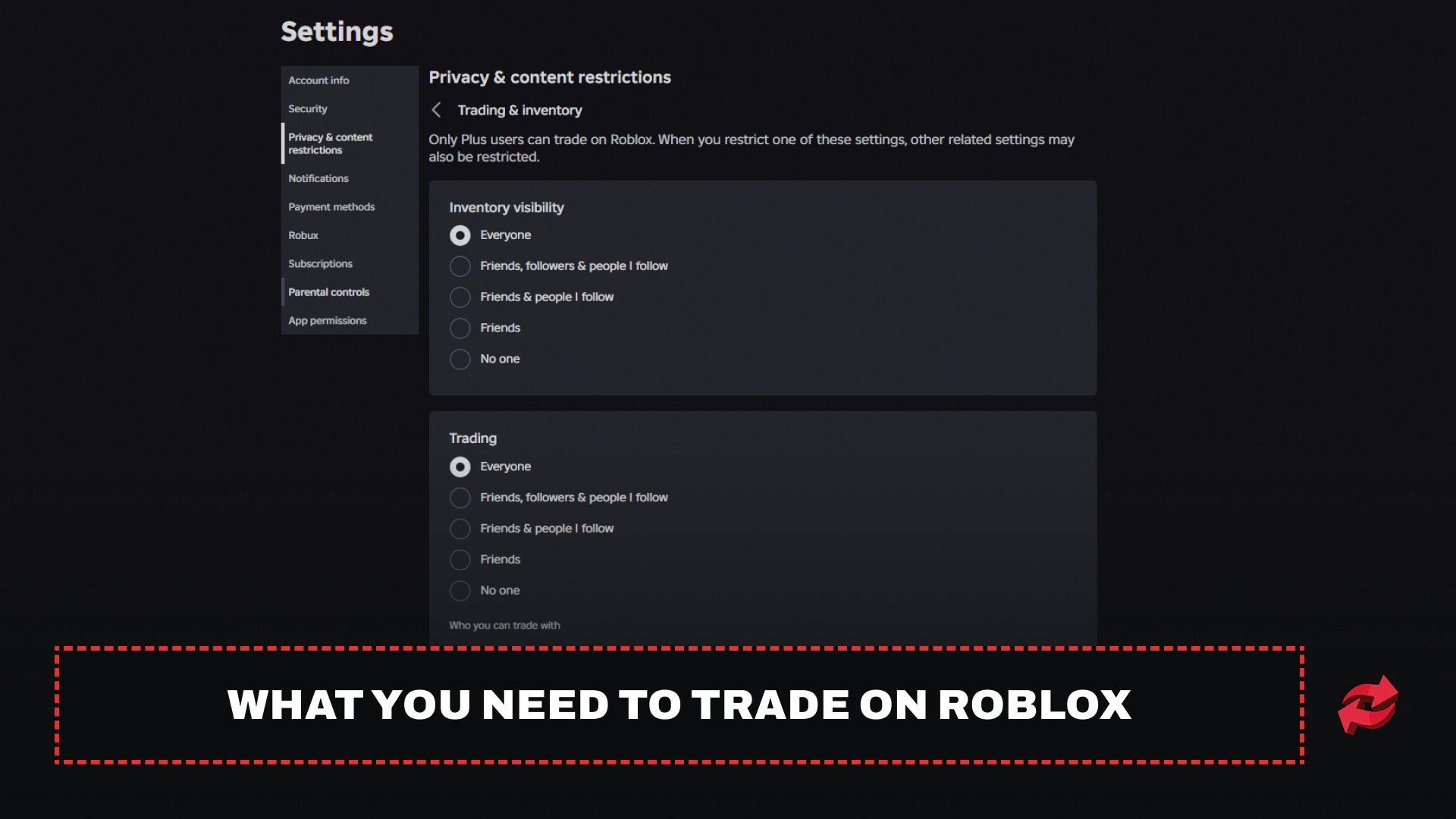
Before you can send or accept a trade, your account has to meet a few requirements:
Roblox Premium or Plus subscription: Free accounts can't access the trade system at all. This applies to both sides of a trade, so whoever you're trading with needs an active subscription too.
Trading enabled in privacy settings: Go to Account Settings > Privacy & content restrictions > Trading & inventory, and turn on both inventory visibility and trading. If either one is off, the trade option won't show up on your profile.
Account not based in South Korea: Roblox currently restricts trading for accounts in that region, regardless of subscription status.
The requirement used to be Roblox Premium only, but Roblox retired Premium for new subscribers back in April and replaced it with Roblox Plus, so this section reflects both, since existing Premium members keep trading access too.
How to Trade on Roblox
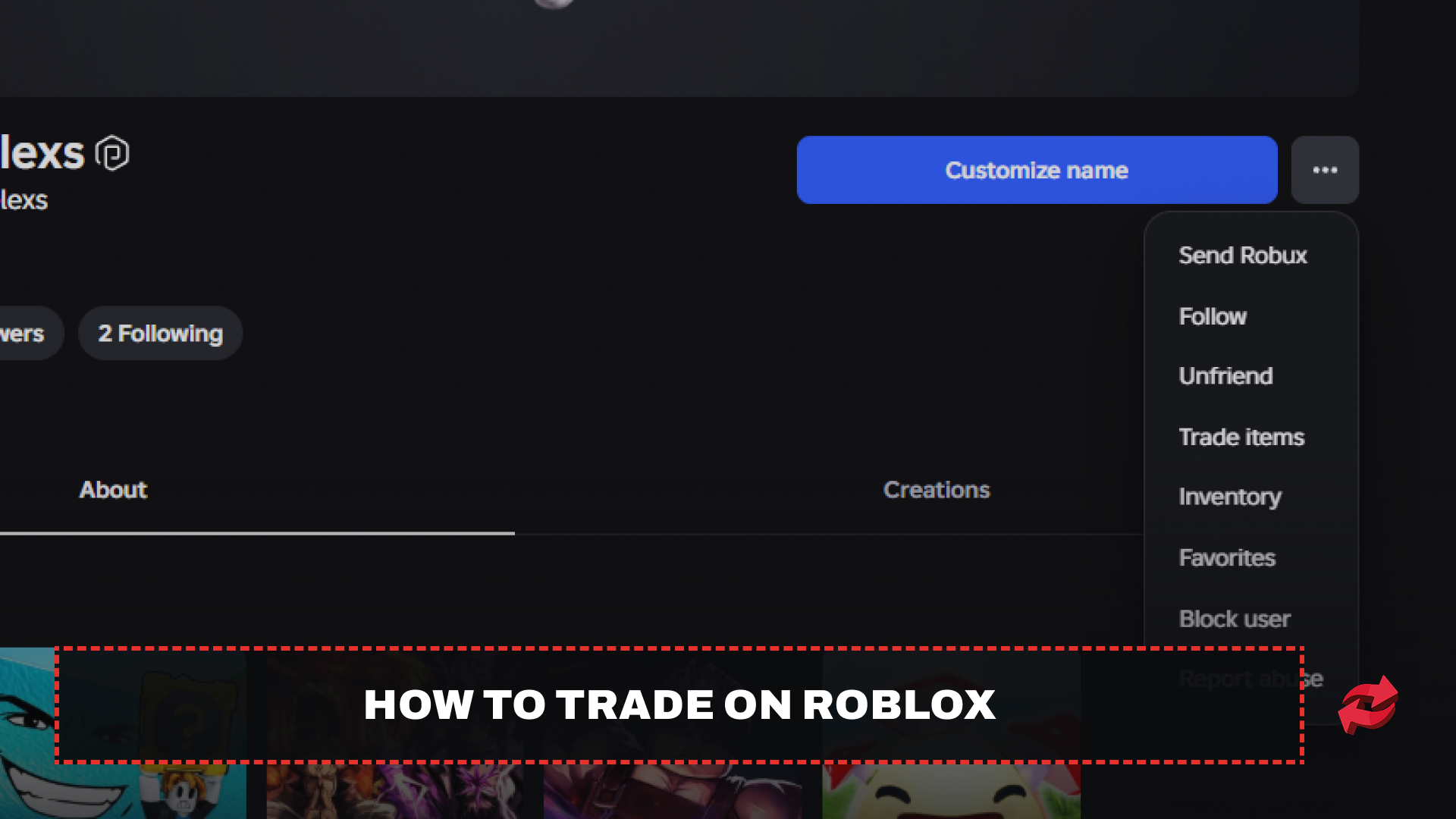
Once your account meets the requirements, sending a trade offer works the same way for everyone:
Go to the profile page of the player you want to trade with.
Click the three dots in the upper right corner of their profile box.
Select "Trade Items" from the dropdown menu.
In the trade window, select the items you want to give under "Your Offer" and the items you want to receive under "Your Request." You can also add Robux to either side to balance the deal.
Click "Make Offer" and confirm through the pop-up that appears.
Once submitted, the other player gets notified and can accept, decline, or counter your offer. You can track all your pending and completed trades by clicking "Trade" in the left-hand menu on any Roblox page, where you can filter between inbound, outbound, completed, and inactive trades.
Item Value on Roblox
Every tradable item carries two separate numbers, and mixing them up is one of the easiest ways to end up in a bad trade.
The first is RAP, short for Recent Average Price. Roblox calculates this automatically based on how much an item has actually sold for in recent trades. It updates on its own and gives a rough sense of where an item sits, but RAP can be manipulated. A group of traders can inflate an item's RAP by repeatedly trading it back and forth at an artificially high price, so treating RAP as the final word on value is a mistake.
The second is Value, and this one comes from the trading community rather than Roblox itself. Sites like Rolimons track what items actually change hands for in practice, factoring in demand, rarity, and how easy an item is to trade away again. Value tends to reflect what an item is realistically worth far more accurately than RAP does, which is why experienced traders check it before accepting or sending an offer.
Robux factors into value too. If you add Robux to a trade, Roblox takes a 30% transaction fee before it reaches the other player, and the amount you add can't exceed 50% of your offered items' value after that fee is applied.
Final Words
To access trading on Roblox, you need an active Plus or Premium subscription, trading enabled in your privacy settings, and a sense of what your items are actually worth before you send an offer. RAP gives you a starting point, but checking Values tells you far more about what you're actually giving up or gaining. Add Robux carefully too, since the 30% fee and 50% cap apply to every trade you send. Once you hit confirm, Roblox won't reverse it, so double-check the offer before you accept.
Frequently Asked Questions
Game in this Article
Roblox
Roblox is an online platform where players create and play games built by other users. It features a wide range of genres, from simulators and roleplay to obbies and tycoons. Players use Robux, the platform's currency, to purchase items, avatar accessories, and in-game upgrades.

Written by
Mustafa is the SEO Manager at BloxSwaps and a digital marketing specialist with a focus on gaming platforms. He covers trading guides, game updates, and platform content, helping players navigate the tools and systems they use every day.