

How to Throw Knives in MM2: Step-by-Step Guide

Murder Mystery 2 is one of Roblox's most popular social deduction games, where a hidden murderer hunts down innocents while the sheriff tries to stop them. As the murderer, your knife works both as a melee weapon and a throwable, giving you options at range when getting close isn't possible.
Throwing a knife isn't something the game explains upfront. The controls also differ depending on the platform you're playing on. In this article, we'll explore exactly how to throw knives in MM2 on PC, mobile, and more, along with some tips to help you land your throws more consistently.
Also Read: How to Get Harvester in Murder Mystery 2
How to Throw a Knife in MM2 on PC
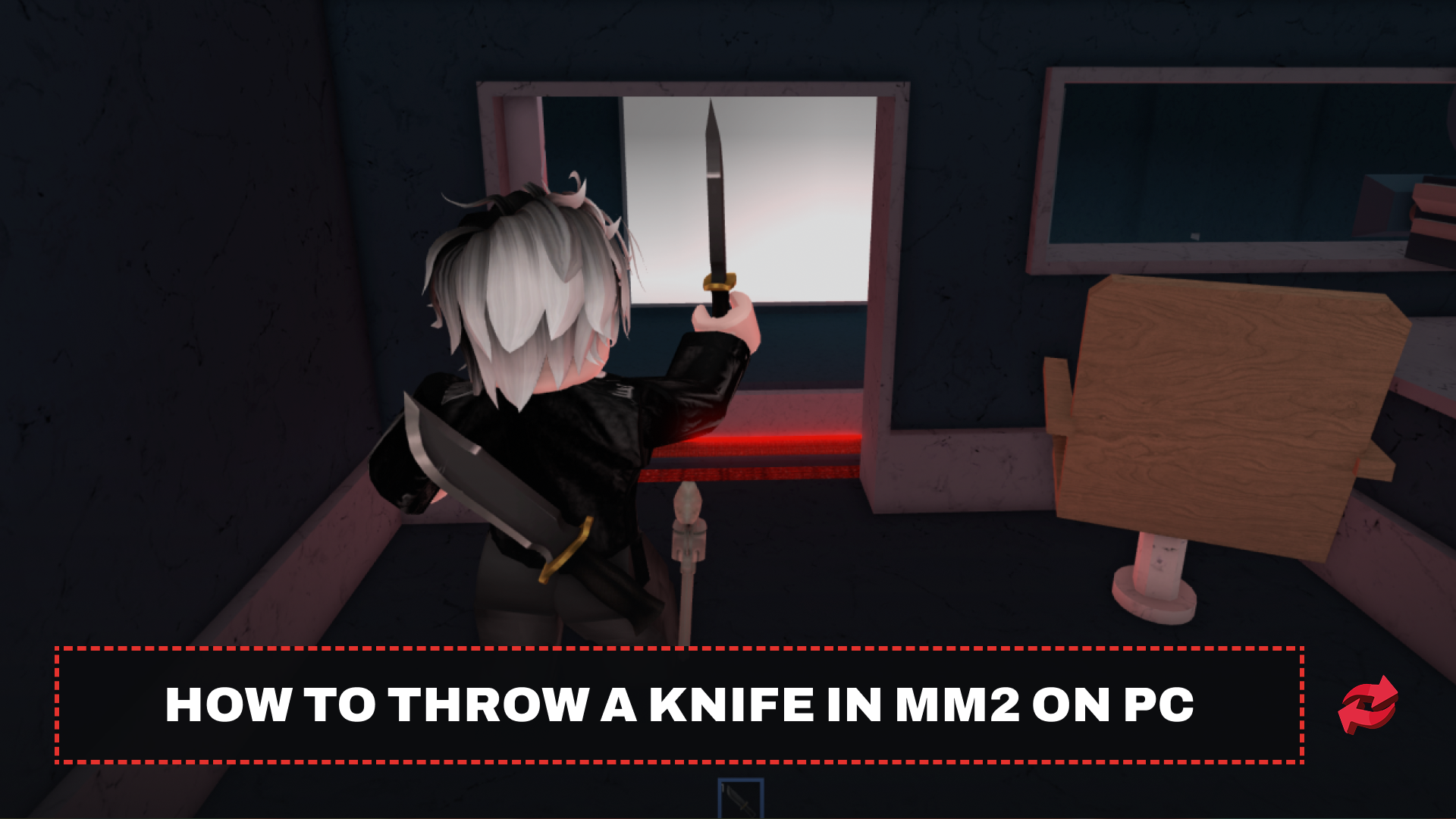
Learning how to throw a knife in MM2 on computer is straightforward once you know the right controls. Follow these steps:
Press 1 on your keyboard to equip the knife.
Enable Shift Lock by pressing Shift to lock your camera and bring up a crosshair.
Aim your crosshair at the target
Press E or right-click to throw.
Shift Lock is worth enabling before every round. Without it, your camera can drift independently of your character, causing throws to go off in the wrong direction. With it on, the knife travels exactly where your crosshair points.
How to Throw a Knife in MM2 on Mobile and Console
The process works a little differently on other platforms.
On mobile, equip your knife from the inventory, then look for the throw button on the right side of the screen. Tap and hold it to aim, then release to throw.
On console, press LB (Xbox) or the equip button to bring out your knife, then press LT (Xbox) or L2 (PlayStation) to throw.
The core mechanic is the same across all platforms, equip, aim, throw. The only difference is which button triggers it.
Also Read: How to Get Corrupt in Murder Mystery 2
Tips for Throwing Knives in MM2
Lead your shots. Knives are projectiles, not instant hits. If a player is moving, aim slightly ahead of them so the knife meets them mid-path rather than where they were.
Don't rely on throws for points. Melee kills earn more XP than knife throws. Use throws when getting close isn't an option, particularly against the sheriff when your cover is blown.
Use the fake-out. Run toward the sheriff with your knife out, then quickly unequip and re-equip it. This often triggers a panic shot. Once the sheriff fires and misses, they're defenseless for a few seconds while they reload.
Also Read: How to Get Coins Fast in Murder Mystery 2
Final Words
Throwing knives in MM2 comes down to knowing your platform controls and building the habit of using Shift Lock on PC. Once that clicks, your accuracy will improve quickly. From there, it's about reading the situation, knowing when to throw and when to close the distance makes you a much harder murderer to deal with. Keep practicing in private servers if you want to sharpen your aim before taking it into live matches.
Game in this Article
Murder Mystery 2
Murder Mystery 2 is a Roblox game where players take on roles as Murderer, Sheriff, or Innocent. The Murderer eliminates players quietly, the Sheriff hunts them down, and Innocents try to survive. Players collect and trade unique knives and guns as cosmetic rewards.

Written by
Mustafa is the SEO Manager at BloxSwaps and a digital marketing specialist with a focus on gaming platforms. He covers trading guides, game updates, and platform content, helping players navigate the tools and systems they use every day.