

How to Refund Items on Roblox: Step-by-Step Guide
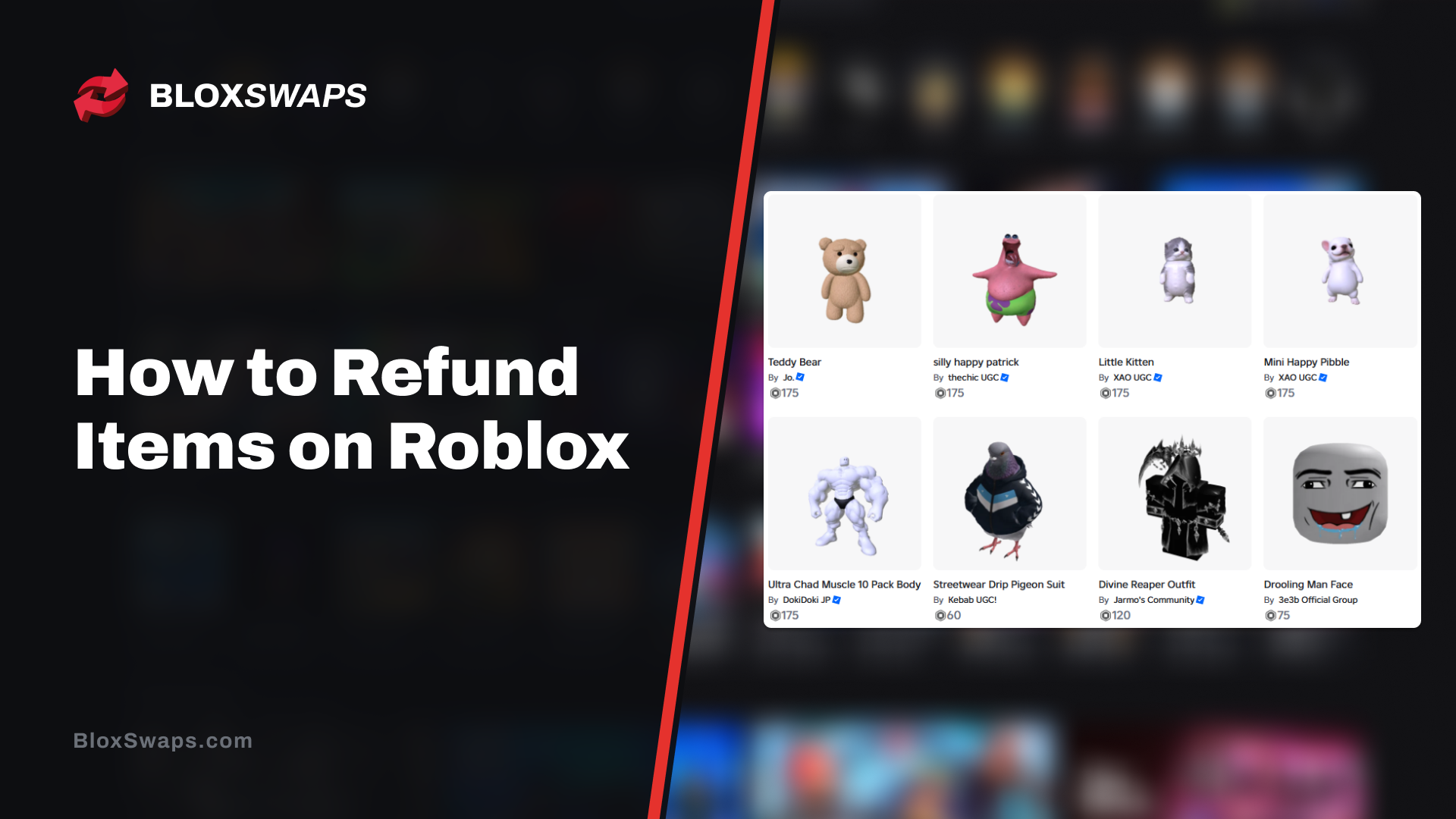
Game Passes and avatar items are two of the most common things Roblox players spend Robux on. Game Passes unlock perks inside an experience, while avatar items change how your character looks. Sometimes the purchase doesn't turn out the way you expected, whether it was a misclick, an item that looks different on your avatar, or a pass that doesn't do what it promised, and you're left wanting your Robux back.
Roblox doesn't have a refund button, and most purchases are final once you confirm them. There are exceptions, such as unauthorized charges and paid access experiences, but each one has its own rules and its own process.
In this article, we'll explore whether Roblox items can be refunded, how to request a refund through Roblox Support on PC and mobile, how game passes are handled, and what to do if your request gets denied.
Can You Refund Items on Roblox?
Mostly no. Roblox says there is no way to get Robux back once you’ve made a purchase, and that covers accidental purchases and items you lost or never used. The confirmation pop-up before every purchase is the platform’s only safeguard. Roblox also recommends using the Try On feature before you buy avatar items.
Items bought inside an experience follow the same rule. Roblox generally can’t refund purchases made within an experience, which includes game passes and developer products. Changing your mind or not liking how an item looks on your avatar is not a valid reason.
There are two main exceptions:
The first is unauthorized charges. Roblox works with parents and customers directly to refund purchases made without permission, though some third-party payment providers require you to request the refund through their own support. If this applies to you, contact Roblox Support before disputing the charge with your bank, because once a charge is disputed with a payment processor, Roblox can no longer issue a refund.
The second is experiences purchased in local currency. You can request a refund within 48 hours of your first purchase by going to the experience page and selecting “Request Refund” on desktop, web, or mobile.
Everything else is final. Knowing which category your purchase falls into saves you from sending a request that gets rejected.
How to Refund Items on Roblox
Every refund request goes through Roblox Customer Support. This process applies to unauthorized charges made with a credit card, debit card, PayPal, or Google Play. Normal purchases you simply regret aren't covered, as explained above.
Check your bank or PayPal statement and find how the charge appears. If it reads "Xsolla*Roblox," contact Xsolla Customer Support. If it reads "Roblox" with no prefix, contact Roblox Support.
Contact support before you dispute anything with your bank or payment provider.
List every charge you want reviewed, with the date and amount of each.
Add your billing name and the last four digits of the card you used. If you paid with PayPal, include the email address on the account. For Google Play, include the purchase numbers, which start with GPA.
Include your Roblox username if you know it.
Attach any screenshots you have. Only .jpg and .png files are accepted.
Submit the request. Roblox's billing team will review it and help with any eligible refund.
Do not skip the second step. Once a charge is disputed through your bank, Roblox can no longer issue a direct refund. Roblox also treats unauthorized charges as a Terms of Use violation, so the account linked to them can be deleted. If a child made the purchases without permission, say so clearly in your request.
Purchases made through Apple, Microsoft, PlayStation, Meta Quest, Samsung, or Amazon work differently, because Roblox can't refund those. The next section covers them.
How to Refund Roblox Items
The steps depend on where you bought the Robux. Roblox can't refund purchases made through Apple, Microsoft, PlayStation, Meta Quest, Samsung, or Amazon, so those requests go to the store that charged you.
iPhone and iPad
Purchases made through the App Store are refunded by Apple.
Open Apple's Report a Problem page and sign in with the Apple Account that made the purchase.
Choose the option to request a refund.
Select a reason for the refund.
Pick the purchase and submit the request.
Apple says to wait 24 to 48 hours for an update. If you can't find the charge, check your email for the Apple receipt to see which account made it. A pending charge can't be refunded until the receipt arrives.
Android
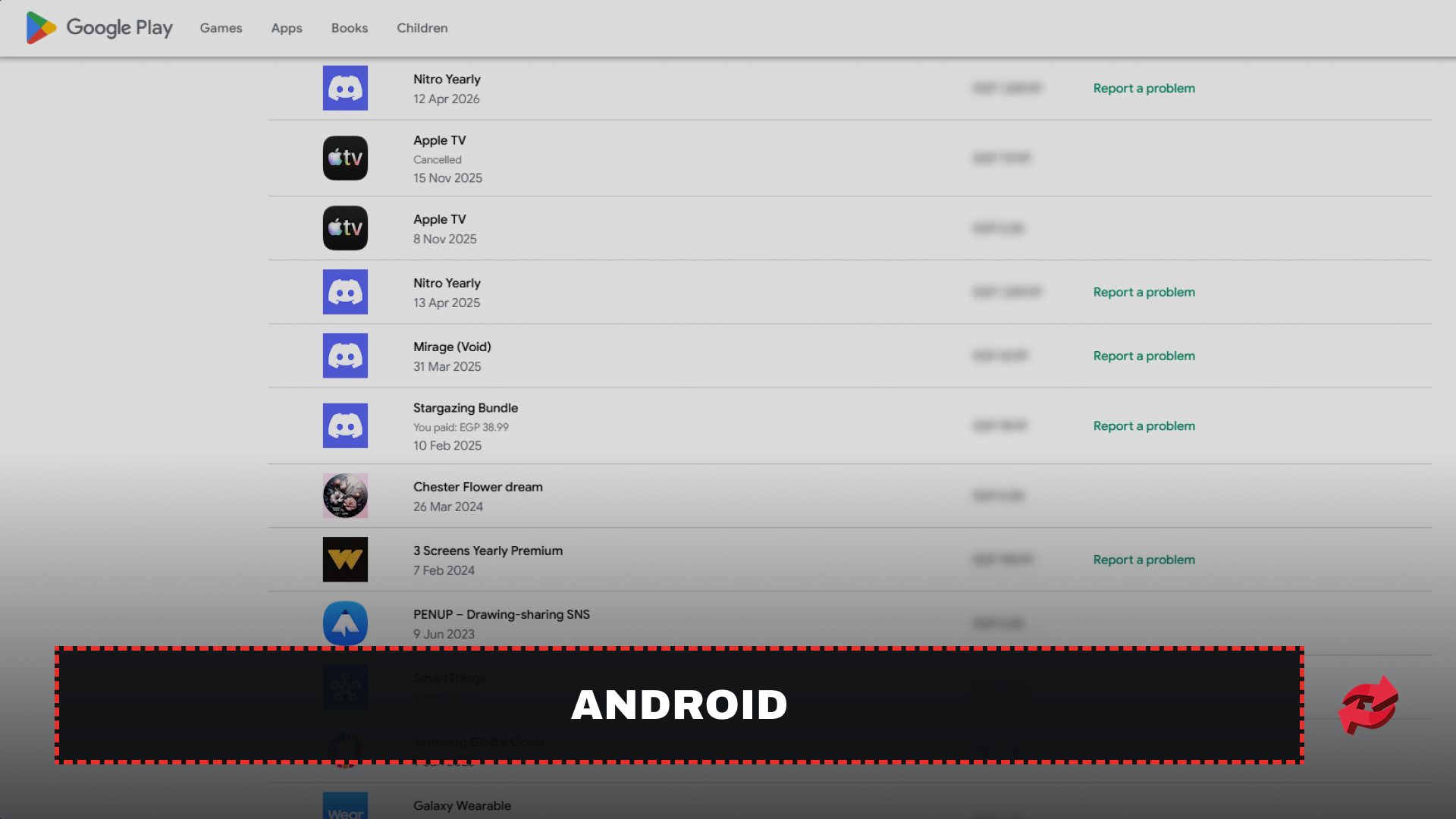
Google Play handles refunds in the first 48 hours. After that, you need to go through Roblox. The request form is only available on the desktop site, so use a computer for this part.
Open your Google Play order history on a computer and sign in with the Google Account that made the purchase.
Find the Roblox order and click Report a problem next to it.
Select the option that fits your situation, note that you want a refund, and submit the form.
The button doesn’t appear next to every order. If it’s missing on yours, you probably bought it on a different Google Account, so switch accounts and check again. Google takes a decision in 1 to 4 days, and sending multiple requests for the same transaction won’t speed it up. If 48 hours have passed or the charge was unauthorized, contact Roblox Support instead and include the Google Play purchase number, which starts with GPA.
Xbox, PlayStation, Meta Quest, Samsung, and Amazon
These purchases appear on the card or bank account linked to the provider. Request the refund from that provider's support page, because Roblox has no access to those charges. If you bought a paid access experience in local currency, you don't need any of this. The Request Refund option on the experience page works on mobile, as long as you use it within 48 hours of your first purchase.
How to Refund Game Passes on Roblox
Game Passes are the hardest items to get refunded on Roblox. They count as purchases made inside an experience, and Roblox generally doesn't refund those. A pass that turns out to be useless, overpriced, or different from what you expected doesn't qualify.
The one reliable route is an unauthorized charge. If a game pass was bought without the card owner's permission, contact Roblox Support and follow the steps in the section above. Include the name of the game pass and the date of the purchase so the billing team can match it to the charge. Remember to contact support before disputing anything with your bank.
If you bought the pass yourself and it doesn't work, start with the experience's creator. Open the experience page and look for a way to reach them, such as the group page or the experience's own community channels. Creators control what their passes do, and a bug is often fixed with an update.
When a refund is approved, Roblox removes ownership of the game pass automatically. You lose the perk it gave you, and you have to buy it again if you want it back.
What to Do If Roblox Denies Your Refund
A denied request is the most common outcome, and it usually can't be reversed. Roblox treats most purchases as final, so replying with the same request won't change the decision. If you have new proof, such as a screenshot showing the charge wasn't made by you, you can send it to support. Otherwise, move on to the options below.
If you paid through Apple, Google Play, or another provider, you can still go to that provider. Their refund rules are separate from Roblox's, and they may approve a request that Roblox couldn't.
Think carefully before disputing the charge with your bank. Once a charge is disputed, Roblox can no longer issue a direct refund, and it reserves the right to suspend accounts linked to unauthorized charges. If you've already been denied and the charge really was unauthorized, a dispute may be your last option, but you risk losing the account.
You also can't sell items back to Roblox. Some items, such as limiteds, can be resold to other players on the Marketplace. That is not a refund, because you only get what a buyer pays minus Roblox’s cut, which you can work out with our Robux tax calculator.
Final Words
Roblox doesn't have a refund button, and most purchases are final the moment you confirm them. The exceptions are unauthorized charges, experiences bought in local currency within 48 hours, and purchases made through Apple, Google Play, or another provider, which follow that provider's own rules.
If your request qualifies, contact support before disputing anything with your bank, since a dispute ends Roblox's ability to refund you. The safest approach is to use Try On and read the confirmation screen before you buy, because that is far easier than getting your Robux back afterward.
FAQs About Refunding Items on Roblox
Game in this Article
Roblox is an online platform where players create and play games built by other users. It features a wide range of genres, from simulators and roleplay to obbies and tycoons. Players use Robux, the platform's currency, to purchase items, avatar accessories, and in-game upgrades.

Written by
Mustafa is the SEO Manager at BloxSwaps and a digital marketing specialist with a focus on gaming platforms. He covers trading guides, game updates, and platform content, helping players navigate the tools and systems they use every day.