

How to Get Voice Chat on Roblox (2026)
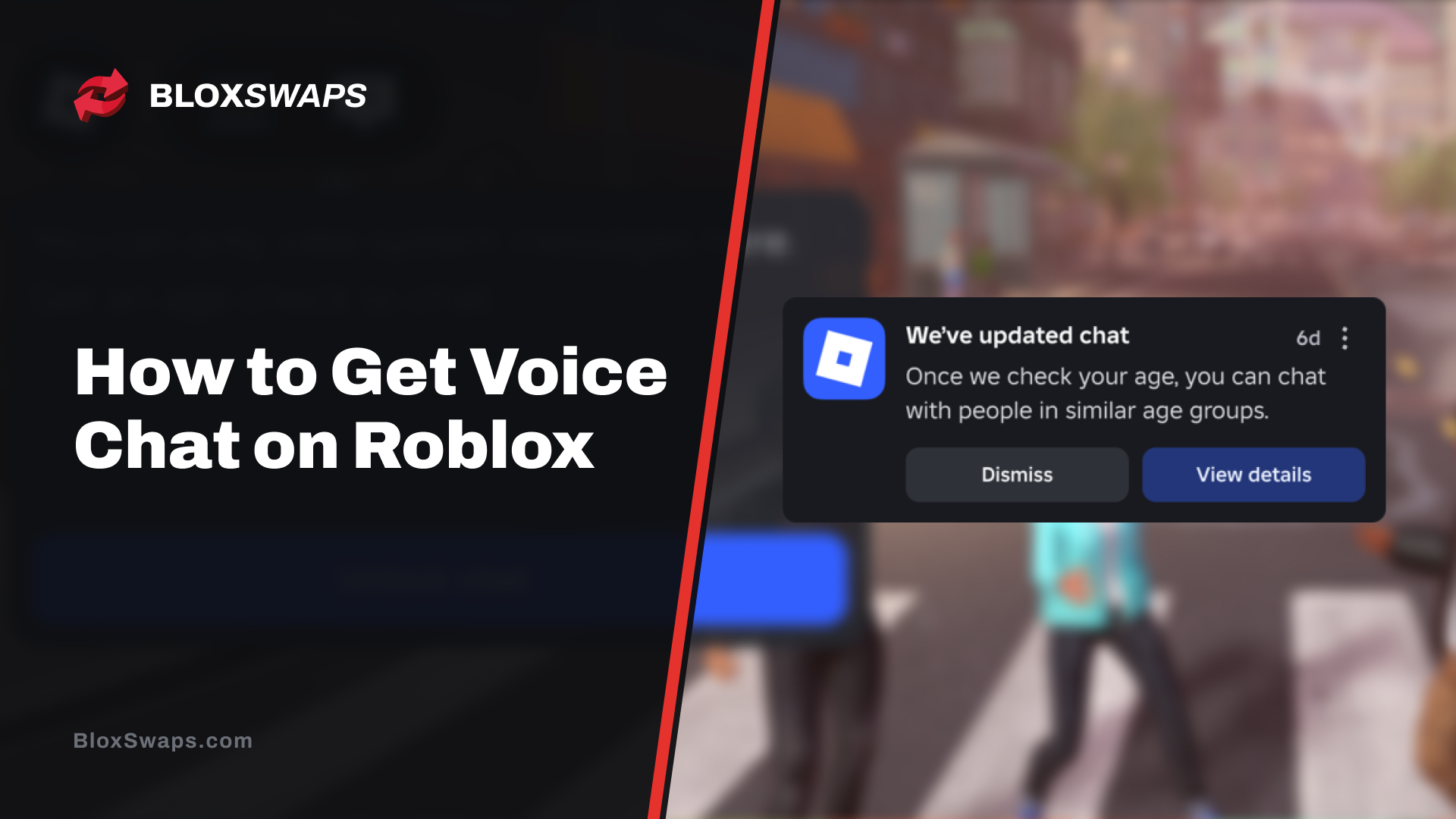
Voice chat on Roblox is locked behind an age check, so there is no simple switch in the settings that turns it on. You need to be at least 13 years old and confirm your age with a selfie or a government ID before the option shows up. Even after that, voice only works in games that support it.
In this article, we'll explore what you need before you start, when and why Roblox changed the rules, how to complete the age check, how to connect inside a game, and what to do when voice chat doesn't show up.
What You Need for Roblox Voice Chat
Roblox offers voice chat only to users 13 or older who have passed an age check. Players under 13 can't use it. The age check uses either facial age estimation from a selfie or ID verification with a government-issued photo ID. Phone number verification no longer unlocks voice chat, so older guides that mention it are outdated. Voice chat is also off by default and only works in experiences where the creator has added it. Your region matters too, since Roblox says voice may not be available everywhere, even after you finish the age check.
When Roblox Changed the Voice Chat Rules and Why
Roblox announced the change on November 18, 2025, in a post on its developer forum. From then on, users needed to complete an age check to use chat, and the post names Voice chat as one of the features it applies to. The requirement went live in steps. It became mandatory in Australia, New Zealand, and the Netherlands first, then reached every region where chat is available. The table below shows the dates.
Date | Change |
|---|---|
November 18, 2025 | Age check to chat announced, with checks open to all users |
December 3, 2025 | Age check required in Australia, New Zealand, and the Netherlands |
January 7, 2026 | Age check required worldwide wherever chat is available |
Roblox says the goal is safety. The age check places users in age groups so chat stays mostly between similar ages, which limits contact between minors and adults. The developer post also says Australia launched first because of Roblox's work with the country's eSafety regulator. The same post says users without a completed age check can't use voice chat. That is why the option stays hidden until you finish the check.
How to Complete the Roblox Age Check
The age check takes a few minutes and runs inside the Roblox app or website. Follow these steps to complete it.
Open Roblox and go to Settings.
Select Account Info.
Find Age Group.
Select Continue with selfie or Continue with ID.
Follow the prompts and wait for the result.
Roblox deletes the images and video from facial age estimation right after processing. Once the check is done, Roblox places you in one of six age groups: under 9, 9 to 12, 13 to 15, 16 to 17, 18 to 20, and 21 and over. Your group decides who you can chat with. If the selfie places you in the wrong group, Continue with ID is the way to correct it. ID verification is only available to users who are 13 or older.
How to Turn On Voice Chat in a Game
Voice chat connects inside the game itself, not from a global setting. Once your age check is complete, follow these steps.
Join an experience that supports voice.
Select the headphone icon to connect.
If you don't see the icon, open the experience settings and switch on the Voice Chat toggle.
Allow microphone access if your device asks for it.
On PlayStation, you join voice from the in-experience settings. On Xbox, you can turn on Voice Chat in the experience settings or use the headphone icon.
How to Check If a Game Supports Voice Chat
Creators decide whether their game has voice, so many experiences don't offer it. The description page of each experience states whether voice chat is supported. Check this before you spend time troubleshooting your account. If the game doesn't support voice, no setting on your side will change that.
Why Voice Chat Is Not Showing Up
Most voice chat problems come from an unfinished age check or a game without voice. The table below lists the common causes and what to do about each one.
Problem | Fix |
|---|---|
Age check not finished or account under 13 | Check Age Group in Settings > Account Info |
Only phone verification completed | Redo the check with a selfie or an ID |
Age group is wrong | Verify with Continue with ID |
Game has no voice | Check the experience description page |
Microphone blocked | Allow microphone access in your device settings |
Region not supported | No fix, since Roblox may not offer voice there |
If everything above checks out and the icon still doesn't appear, restart Roblox and check Account Info again. A region without voice support is the one cause you can't change yourself.
Final Words
Getting voice chat on Roblox comes down to two things: a completed age check at 13 or older and a game that supports voice. Once both are in place, the headphone icon is all you need to connect. If you can't get it working, check the age group in Account Info first, since an unfinished check or a wrong age group blocks voice more often than anything else.
FAQ About Roblox Voice Chat
Game in this Article
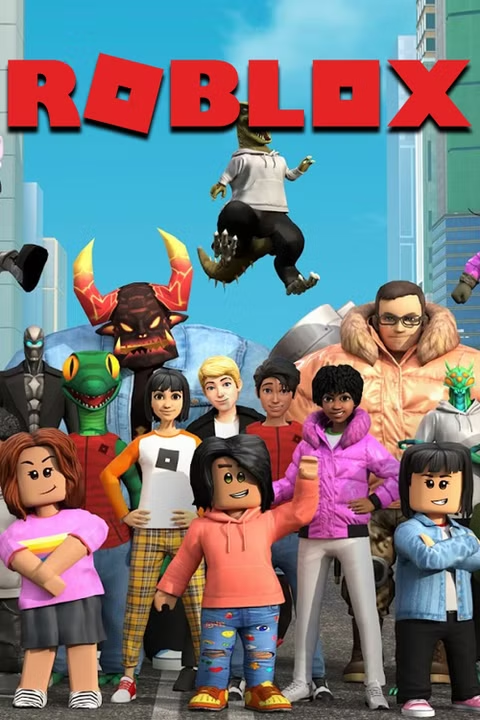
Roblox
Roblox is an online platform where players create and play games built by other users. It features a wide range of genres, from simulators and roleplay to obbies and tycoons. Players use Robux, the platform's currency, to purchase items, avatar accessories, and in-game upgrades.
Written by
Ziad is a content writer at BloxSwaps, covering Roblox games through detailed guides and tier lists. With a focus on breaking down game mechanics and ranking characters, weapons, and items, Ziad helps players make sense of what's actually worth their time and Robux. When not writing, Ziad stays on top of the latest Roblox updates to keep every guide accurate and up to date.