

Pet Simulator 99 Codes (October 2026)

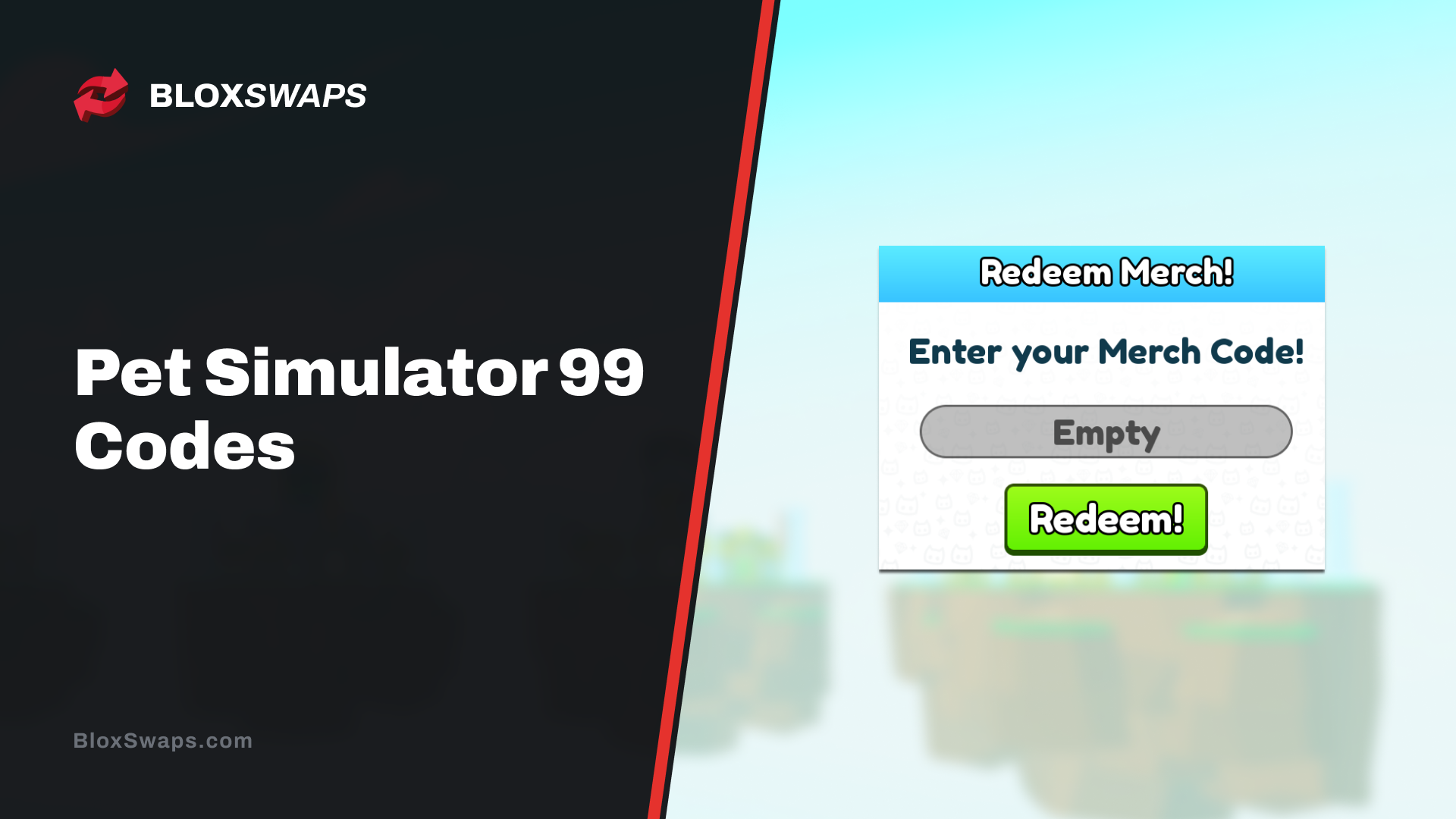
Pet Simulator 99 is one of the most played pet-collecting games on Roblox, and plenty of players search for codes hoping to grab free gems or pets. Unlike most other Roblox titles, PS99 doesn't run a public code system you can redeem just by visiting a website. Every code tied to the game comes from official merchandise instead. In this article, we'll explain where these codes come from and how to redeem them.
Pet Simulator 99 Codes
Codes come attached to official Pet Simulator 99 products, plushies, pillows, rugs, and Lucky Blocks, purchased through shop.biggames.io or other approved retailers. Since July 2025, BIG Games has also added an in-game Merchandise Shop, though purchases there are restricted to users aged 13 and up in the United States, and 18 and up in Texas.
Each code is tied to one purchase and can only be redeemed once. Don't share your code with anyone before you use it, since whoever redeems it first gets the reward. Items unlocked with a merch code also come with a 7-day holding period before you can trade them.
Active PS99 Codes
Pet Simulator 99 hasn't released any active codes for the general player base right now. The only codes currently in circulation are the ones bundled with official merch, redeemed through the Exclusive Shop.
Code | Reward |
|---|---|
No Active codes to list | — |
If BIG Games does release a public code, it'll show up on their official website or their social media accounts, so those are the places to check.
Expired PS99 Codes
Pet Simulator 99 has never released public codes that could expire on a set date. Every code has always come attached to a specific merch product, and once that product's listing changes on the shop, the reward tied to it simply updates rather than expiring.
Code | Reward |
|---|---|
No expired codes to list | — |
If BIG Games ever retires a code system tied to a discontinued product, it'll be listed here.
Merch Codes and Their Rewards
Each product in the in-game Merchandise Shop comes with its own code, and the reward tied to it can rotate as BIG Games updates the lineup. Here's what's currently unlocked by product.
Product | Reward |
|---|---|
Pet Rugs! | Titanic Wicked Angelus |
Sad Cat Plush! | Titanic Electric Werewolf |
Cat Plush! | Titanic Electric Werewolf |
Dino Cat Plush! | Titanic Ancient Dragon |
Blobfish Plush! | Titanic Inferno Dominus |
Monkey Plush! | Titanic Inferno Dominus |
Shark Plush! | Titanic Inferno Dominus |
Corgi Plush! | Titanic Electric Werewolf |
Red Panda Plush! | Titanic Ancient Dragon |
Kawaii Cat Plush! | Titanic Inferno Dominus |
Tiger Plush! | Titanic Ancient Dragon |
Strawberry Cow Plush! | Titanic Ancient Dragon |
Axolotl Plush! | Titanic Electric Werewolf |
Dragon Plush! | Titanic Electric Werewolf |
Beachball Seal Plush! | Titanic Ancient Dragon |
Unicorn Plush! | Titanic Inferno Dominus |
20" Dino Cat Pillow! | Titanic Gamer Shiba |
20" Cat Pillow! | Titanic Wild Fire Agony |
20" Corgi Pillow! | Titanic Wild Fire Agony |
20" Dragon Pillow! | Titanic Wild Fire Agony |
20" Strawberry Cow Pillow! | Titanic Gamer Shiba |
These rewards are pulled from the latest listings and may shift when BIG Games rotates the merch catalog, so it's worth checking the exact reward tied to a product before buying if you're chasing something specific.
How to Redeem Codes in PS99
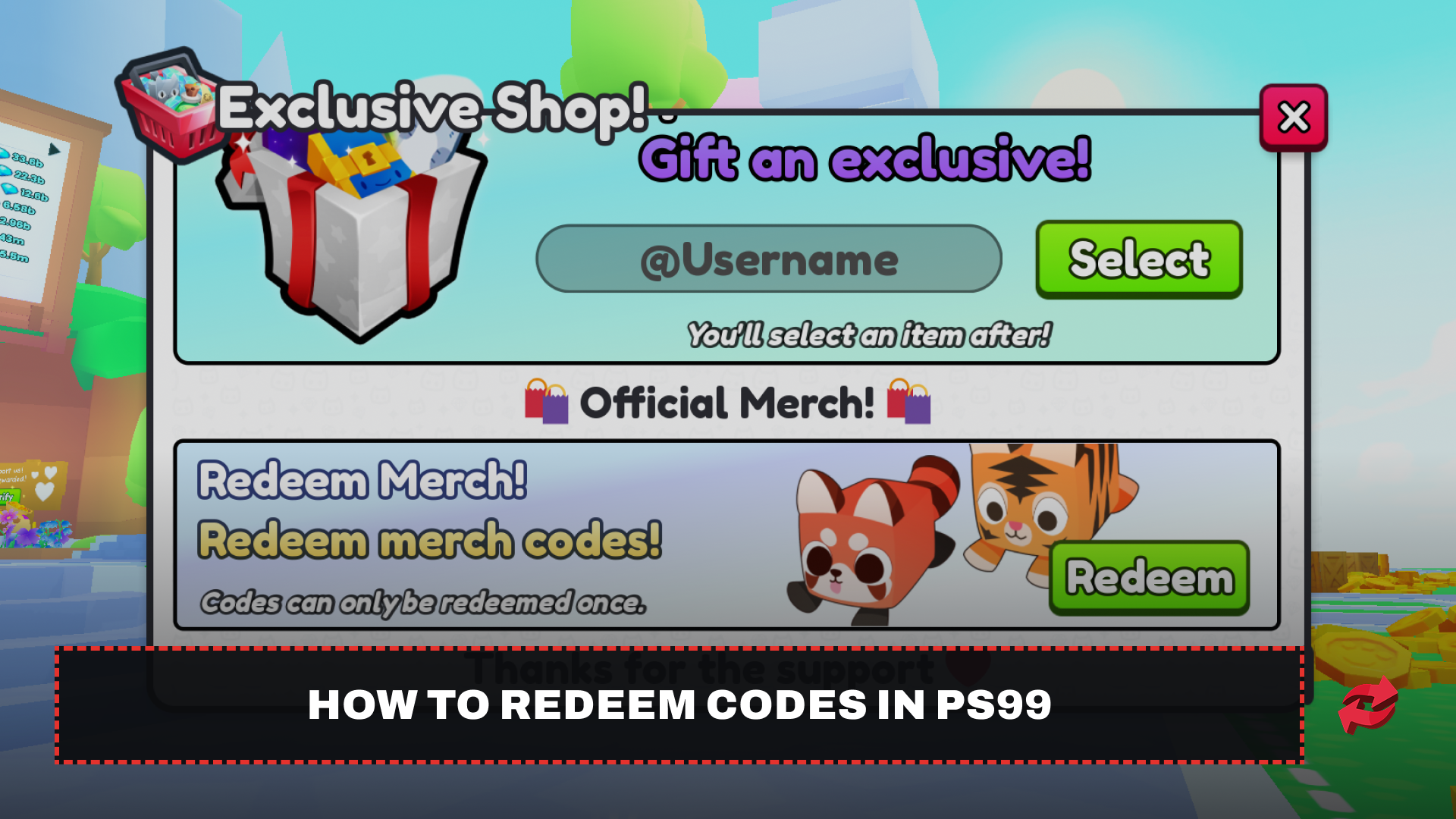
Redeeming a code isn't done through a normal settings menu; it's tucked inside the Exclusive Shop and only works from a specific screen. Here's exactly where to find it and how to claim your reward.
Launch Pet Simulator 99 on Roblox.
Click the shopping cart icon on the left side of your screen to open the Exclusive Shop, Or While in-game, click the bottom button at the center of your screen. Click the Exclusive Shop (second button from the left).
Scroll down past the gem and egg bundles until you reach the "Official Merch" section.
Click "Redeem" under "Redeem Merch."
Enter your unique merch code exactly as it appears on your product.
Click "Redeem" again to confirm and collect your reward.
Note: This process currently only works on PC. As of Update 4, BIG Games limited code redemption to desktop, so save your merch code for when you're on a computer.
Are There Any Free Pet Simulator 99 Codes?
No. Pet Simulator 99 doesn't have public promo codes available to everyone. Every code linked to the game is a merch code, meaning it only comes packaged with an official product. Videos or articles claiming to share a working free code are either false or showing a code that's already been used. BIG Games hasn't set up a general redeemable code system for PS99, so treat anything claiming otherwise with caution.
Final Words
Pet Simulator 99 doesn't hand out codes like other Roblox games, but its merch code system still rewards players who pick up official products. Keep an eye on shop.biggames.io and the in-game Merchandise Shop for new releases, and redeem your code as soon as you get it to avoid losing it.
Frequently Asked Questions
Game in this Article
Pet Simulator 99
Pet Simulator 99 is a Roblox pet collection game by BIG Games. Players hatch eggs to obtain pets, equip them to farm coins, and complete rebirths that boost pet power. Pets can be fused into Golden, Rainbow, and Shiny variants, and traded with other players for rarer collections.

Written by
Ziad is a content writer at BloxSwaps, covering Roblox games through detailed guides and tier lists. With a focus on breaking down game mechanics and ranking characters, weapons, and items, Ziad helps players make sense of what's actually worth their time and Robux. When not writing, Ziad stays on top of the latest Roblox updates to keep every guide accurate and up to date.