

How to Cancel Pets Plus Subscription in Adopt Me

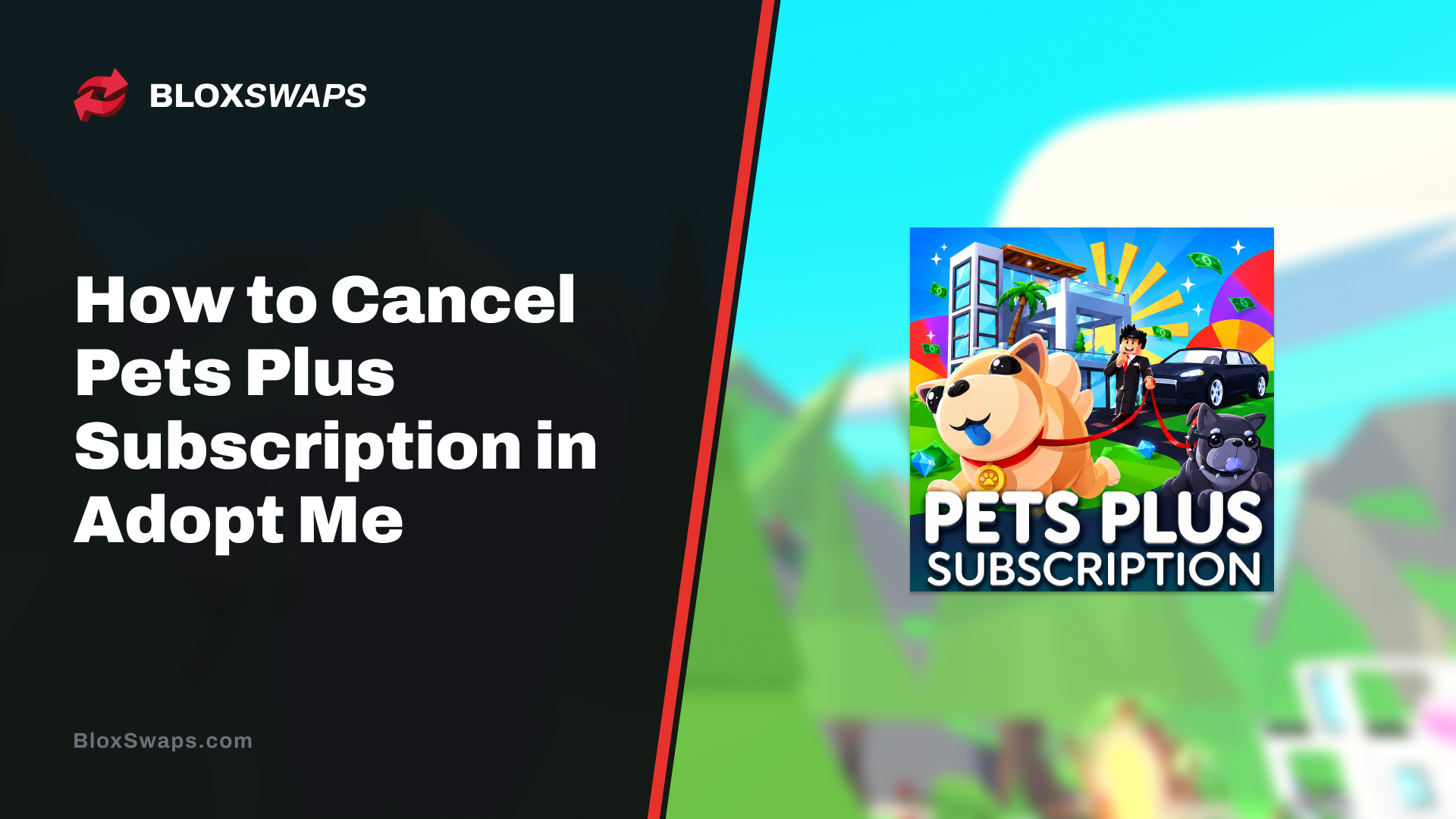
Pets Plus is a recurring monthly subscription in Adopt Me, meaning it renews automatically unless you cancel it yourself. A lot of players sign up to try out the two-pet slot or the VIP perks, then decide later it's not worth the 299 Robux a month and want out.
The subscription is managed entirely through Robux, and cancelling it works the same way, everything is handled from inside the game's own shop menu rather than through any outside account settings.
In this article, we'll explore how to cancel the Pets Plus subscription in Adopt Me, what happens to your perks after you cancel, and what stays in your inventory for good.
How to Cancel Pets Plus Subscription
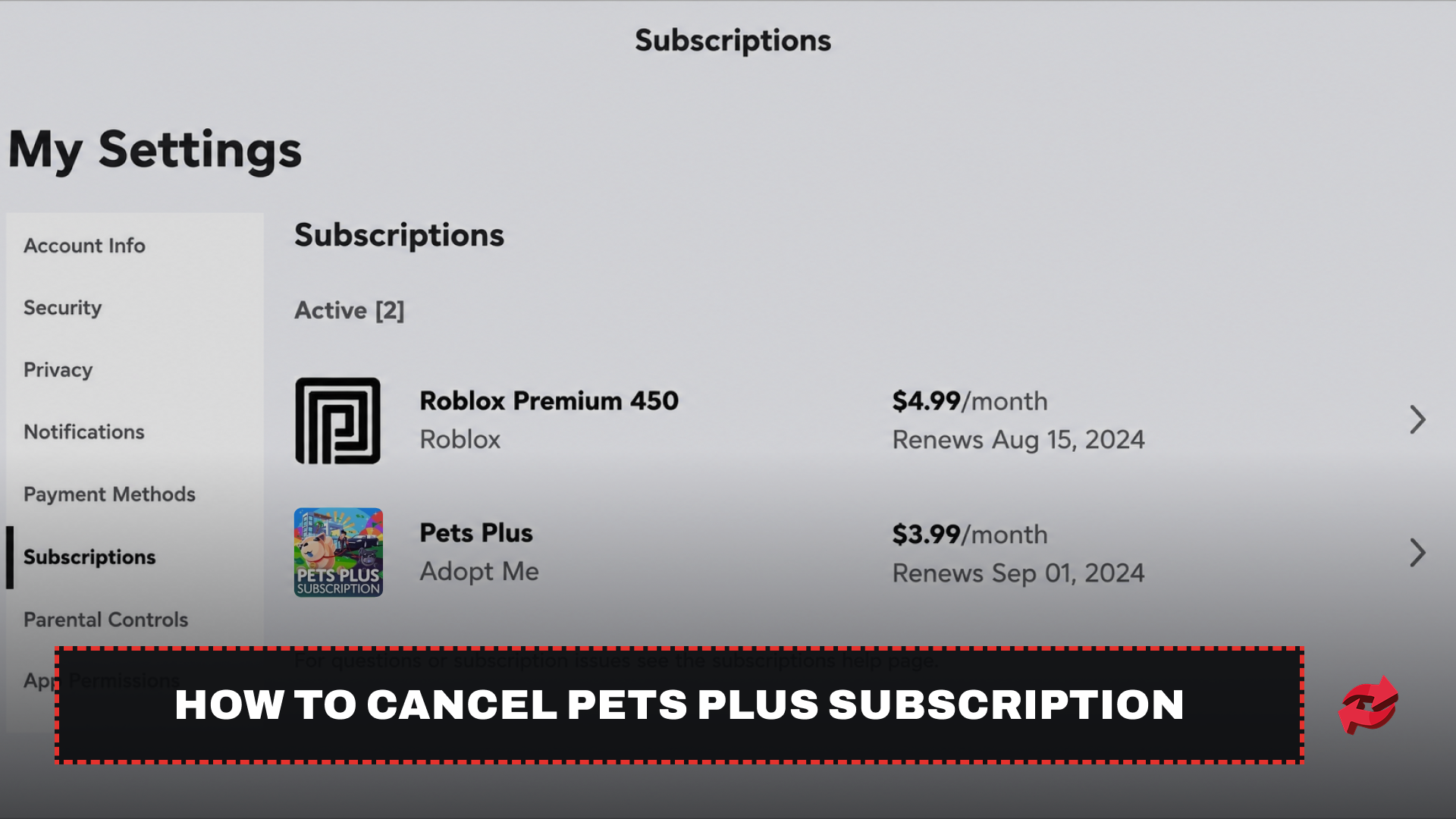
Cancelling Pets Plus is handled through your Roblox account settings. Here's how to do it:
Log in to Roblox and go to Settings.
Select the Subscriptions tab.
Find Pets Plus in your list of active subscriptions and click it to view details.
Select Cancel Renewal and follow the prompts to confirm.
Since Pets Plus is billed at the start of each period, your perks stay active until the current billing cycle ends, even after you cancel. You won't be charged again once the subscription ends, and you can resubscribe anytime if you change your mind.
What Happens After You Cancel
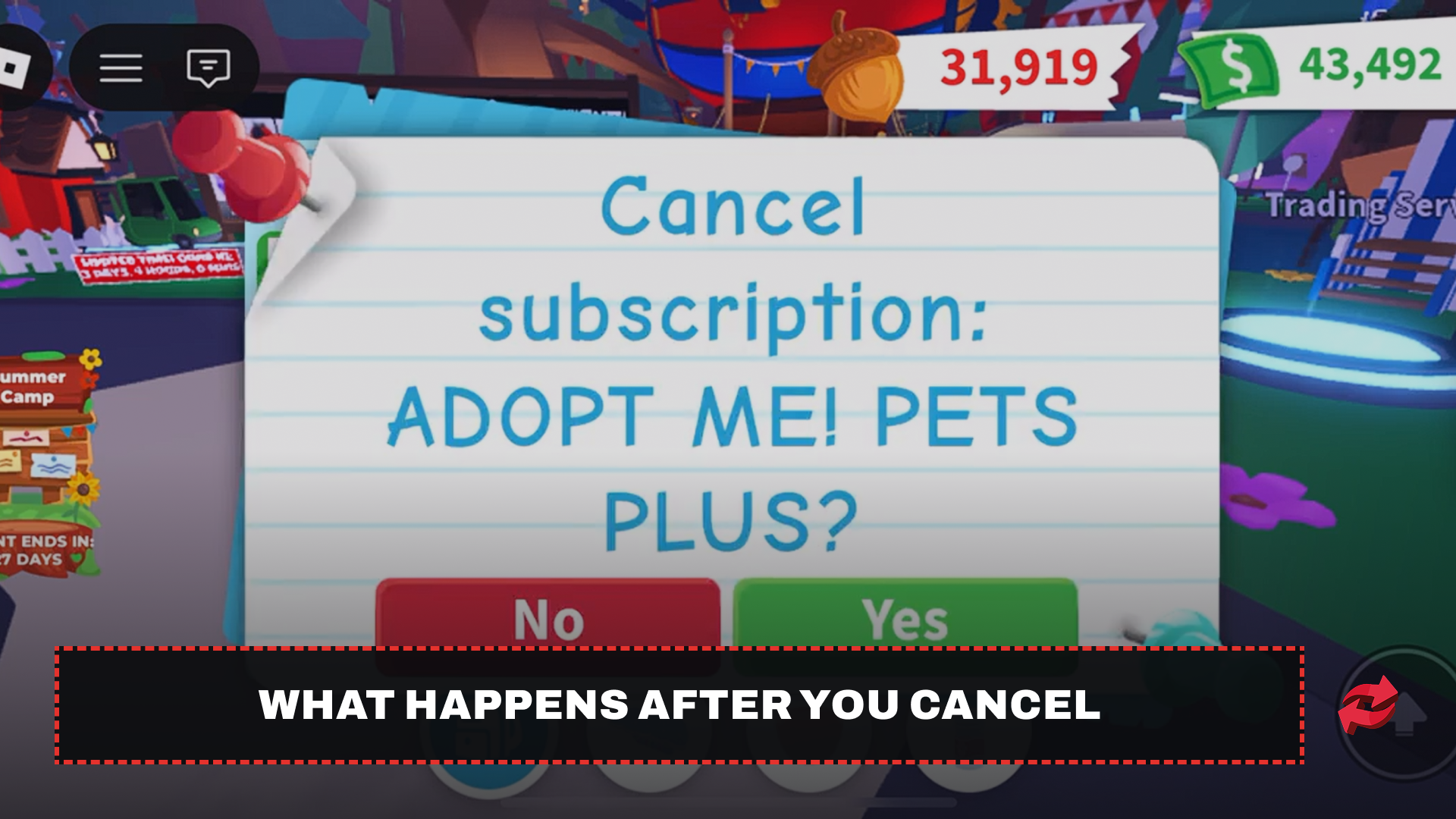
Pets Plus splits its perks into two categories, permanent unlocks and subscription-only benefits, so cancelling doesn't wipe everything from your account. Knowing which is which helps you decide if cancelling is worth it.
What You Keep
These items were added to your inventory the moment you first subscribed, and they stay there for good:
The Limo
A Very Very Important Person's House
You can keep using both regardless of your subscription status, so there's no rush to cancel before losing access to them.
What You Lose
These perks only work while Pets Plus is active, and they disappear once your subscription runs out:
The VIP Room
The VIP chat tag
The second pet slot
Once your billing period ends, you're back to raising a single pet at a time, and any pet you had set as your alternate is no longer active alongside your main.
Final Words
Pets Plus is straightforward to cancel once you know it runs through your Roblox account settings. Permanent perks like the Limo stay with you regardless, and if you ever want the second pet slot back, resubscribing takes just a few clicks.
Frequently Asked Questions
Game in this Article
Adopt Me
Adopt Me is a Roblox pet simulation game where players hatch eggs, raise pets through growth stages, and build customizable houses. Pets can be upgraded to Neon and Mega Neon versions and hold real trading value. The game also features seasonal events with limited-time pets and items.

Written by
Mustafa is the SEO Manager at BloxSwaps and a digital marketing specialist with a focus on gaming platforms. He covers trading guides, game updates, and platform content, helping players navigate the tools and systems they use every day.